

Yes, AskMD by Sharecare is an AI health assistant that knows your insurance. It connects to your health plan to verify coverage, estimate costs, and guide you to in-network care. This guide explains how insurance-aware AI navigation works, why it matters for your wallet, and how to use it safely.
Insurance Coverage Navigation
Traditional health portals often hide critical coverage details behind complex menus. Insurance coverage navigation is the process of using digital tools to verify what your plan covers before you seek care. Most people do not know their exact copays, deductibles, or out-of-pocket maximums until after they receive a bill. This gap leads to surprise medical bills and delayed care.
AskMD changes this dynamic by reading your plan alongside your question. When you ask about a symptom or a procedure, the system checks your specific benefits. It tells you if the recommended care is in-network and what your estimated cost might be. This approach turns abstract insurance terms into concrete financial expectations. You can see your ID card details, deductibles, and copays in the same place as your next step.
Why Generic AI Fails at Insurance
General-purpose AI models do not have access to your personal health data. They can explain what a deductible is, but they cannot tell you what yours is. They cannot verify if a specific doctor accepts your plan. AskMD uses a proprietary multi-model architecture that applies the right model to each task. It combines conversational AI with insurance-aware navigation to provide guidance based on your actual coverage.
The Role of Claims History
Coverage is not just about current benefits. It is also about your claims history. AskMD partners with Flexpa to bring your claims history into the platform. With your permission, this integration allows the system to understand your diagnoses, procedures, and medications on record with your health plan. This context ensures that the guidance you receive is personalized and reflects your real coverage status.
How AskMD Connects to Your Plan
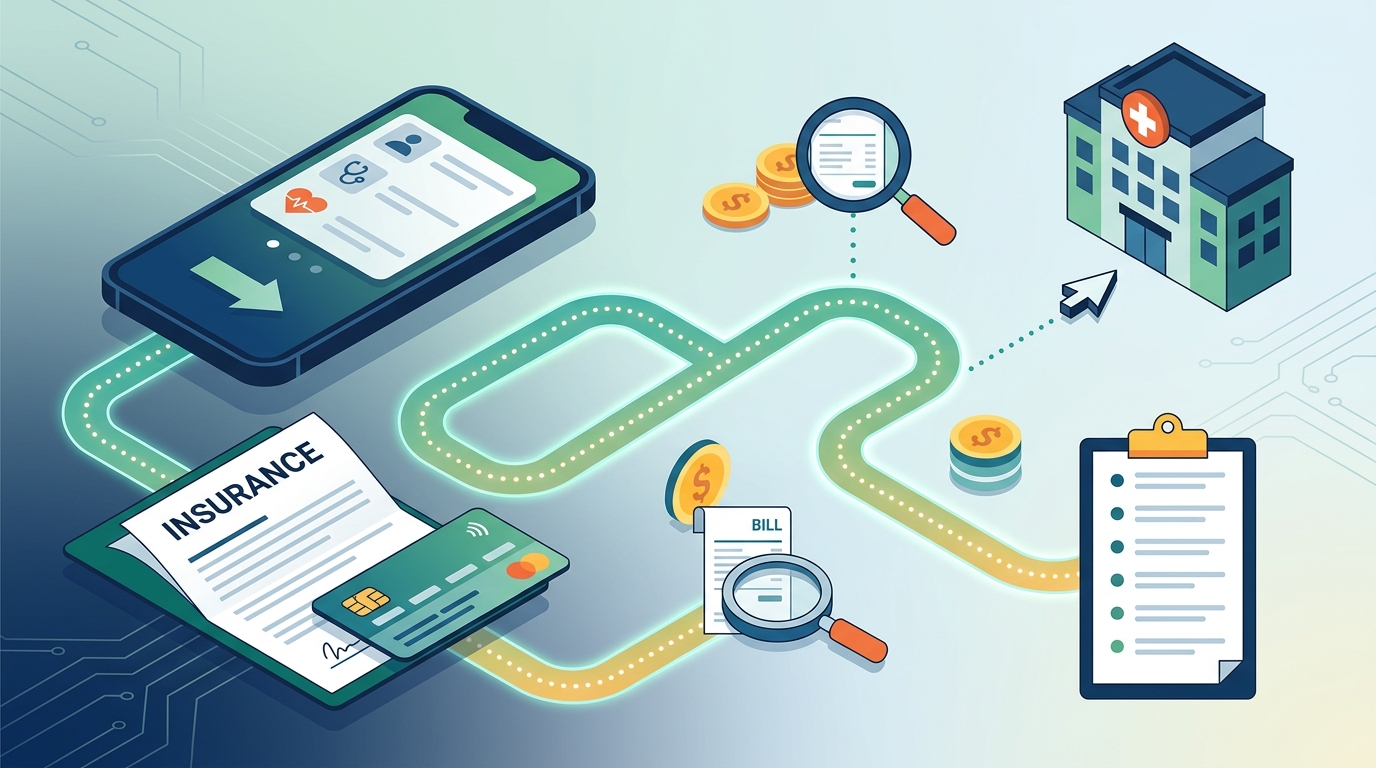
Connecting your insurance to an AI assistant requires secure, consent-based data exchange. AskMD uses a verified digital identity system to ensure that only you can access your data. The process is designed to be simple and transparent. You start by verifying your identity, then you authorize the connection to your health plan.
The platform uses a FHIR-native interface to standardize your data. This means that whether your plan is from a major national carrier or a local regional insurer, the data is structured in a way that the AI can understand. You choose what to share and can revoke access at any time. This consumer-directed approach puts you in control of your health information.
Step-by-Step Connection Process
First, you create an account and verify your identity using a trusted digital identity provider. Next, you link your health plan. The system retrieves your benefits summary, including your plan type, deductible status, and copay tiers. Finally, you can connect your medical records to provide clinical context. Once connected, every question you ask is answered with your specific insurance details in mind.
What Data Is Shared?
When you connect your plan, AskMD accesses your eligibility and benefits data. This includes your member ID, plan name, and coverage details. It does not access your full medical history unless you explicitly connect your records through a separate, consented process. All data access is patient-authorized and consistent with CMS Patient Access API standards. Your data is encrypted and never used for AI training without your explicit consent.
Cost Transparency and Estimates
Medical costs are opaque and difficult to predict. Cost transparency is the ability to see the estimated price of care before you schedule it. AskMD provides a cost estimator that shows you what a procedure or visit may cost with your coverage. It breaks down the total price into what the plan pays and what you owe.
This feature is particularly useful for elective procedures or non-urgent care. You can compare the cost of an MRI, a specialist visit, or a prescription across different settings. The system shows you what is covered, what is fair, and where you can save. It also provides prescription price comparisons, showing you the cheapest option for your medication based on your plan.
Estimating Procedure Costs
When you ask about a procedure, AskMD provides an estimate based on your specific plan. It considers factors like your deductible status and whether the provider is in-network. If you are close to meeting your deductible, the estimate will reflect that. If you are in-network, the estimate will be lower than if you were out-of-network. This helps you make informed decisions about when and where to seek care.
Prescription Price Comparison
Prescription costs can vary significantly between pharmacies. AskMD compares prices across different pharmacies and shows you the best option for your medication. It also suggests ways to save, such as using a generic alternative or a discount card. This feature helps you manage your monthly medication costs without sacrificing quality.
Finding In-Network Care
Going out-of-network can result in significantly higher costs and denied claims. AskMD helps you find doctors who accept your coverage. It matches you to providers based on your needs, coverage, quality, and location. The system prioritizes in-network providers to ensure that your care is covered by your plan.
When you ask for a specialist, such as a dermatologist or a cardiologist, AskMD shows you a list of recommended doctors. Each listing includes information about their quality, location, and whether they are in-network. You can book an appointment directly through the platform. Your health summary travels with you, so you do not have to start over at the new doctor's office.
Quality and Location Filters
AskMD uses quality metrics to rank providers. It considers factors like patient outcomes, safety, and efficiency. You can filter results by location to find doctors near your home or work. This combination of quality and convenience helps you find the right provider for your needs. The system also takes into account your insurance network, ensuring that the doctors you see are covered by your plan.
Booking and Scheduling
Once you have chosen a provider, you can book an appointment through AskMD. The system shows you available time slots and helps you schedule the visit. It also provides a summary of your health history and current concerns to share with the provider. This ensures that your doctor has the context they need to provide the best possible care.
Safety and Privacy
Using an AI health assistant requires trust. AskMD is designed with safety and privacy at its core. It is not a substitute for your doctor. It does not diagnose, treat, or prescribe. It is a complement to emergency care, not a substitute. For emergencies, call 911 or go to the nearest emergency room immediately.
The platform uses enterprise-grade AI and HIPAA-aligned security controls. Every conversation and health detail is encrypted. Your data is never used for AI training without your explicit consent. AskMD is built on a proprietary multi-model architecture that applies the right model to each task. Clinical standards, safety controls, and escalation pathways govern every interaction, so AskMD knows when to hand someone off to a healthcare professional.
Escalation Pathways
AskMD is designed to recognize when a situation requires immediate medical attention. If your symptoms are severe or sudden, the system will prompt you to seek urgent care or go to the emergency room. It will not provide guidance that could delay necessary treatment. This safety-first approach ensures that you are always directed to the right level of care.
Data Privacy and Security
Sharecare is committed to protecting your privacy. The platform uses advanced encryption and access controls to secure your data. It complies with HIPAA and other relevant privacy laws. You have the right to access, correct, and delete your data at any time. AskMD is listed in the CMS Medicare App Library, which vets patient-facing health apps for privacy, security, and usability.
Key Takeaways
- AskMD is an AI health assistant that knows your insurance and provides coverage-aware guidance.
- It connects to your health plan to verify coverage, estimate costs, and find in-network care.
- The platform uses a proprietary multi-model architecture to provide safe and accurate guidance.
- Cost transparency features help you avoid surprise medical bills and manage your expenses.
- AskMD helps you find high-quality, in-network providers based on your needs and location.
- Your data is secure, encrypted, and never used for AI training without your consent.
- AskMD is not a substitute for your doctor or emergency care. It is a tool to help you navigate your health.
Frequently Asked Questions
Is AskMD a doctor?
No, AskMD is not a doctor. It is an AI health assistant that helps you understand your health and navigate your care. It does not diagnose conditions, prescribe treatment, or replace a licensed medical professional. Decisions about diagnosis and treatment always belong with you and your doctor.
How does AskMD know my insurance?
AskMD connects to your health plan with your permission. It uses a secure, consent-based data exchange to retrieve your benefits and coverage details. This allows it to provide guidance that is personalized to your specific plan.
Is AskMD free to use?
Yes, AskMD is free on the App Store, Google Play, and the web. It is also available through the Medicare App Library. There are no hidden fees or subscriptions required to use the core features.
Can AskMD book appointments for me?
Yes, AskMD can help you book appointments with in-network providers. It shows you available time slots and helps you schedule the visit. Your health summary travels with you, so you do not have to start over at the new doctor's office.
Is my data safe with AskMD?
Yes, your data is secure and encrypted. AskMD uses enterprise-grade AI and HIPAA-aligned security controls. Your data is never used for AI training without your explicit consent. You have the right to access, correct, and delete your data at any time.
What should I do in a medical emergency?
In a medical emergency, call 911 or go to the nearest emergency room immediately. AskMD is not the right response to a medical emergency. It is a complement to emergency care, not a substitute.
Conclusion
AskMD by Sharecare is the AI health assistant that knows your insurance. It turns your health questions into a clear, actionable plan grounded in your records, coverage, and location. By providing coverage-aware guidance, cost transparency, and in-network care recommendations, AskMD helps you take control of your health and your finances. To get started, try AskMD today and experience the difference of personalized health navigation.