

Artificial intelligence is transforming how patients and providers navigate complex medical information. Modern AI health apps use specific technical features to turn raw data into actionable clinical guidance. These tools help users understand their symptoms, verify coverage, and prepare for provider visits with greater confidence.
1. Multi-Model Orchestration
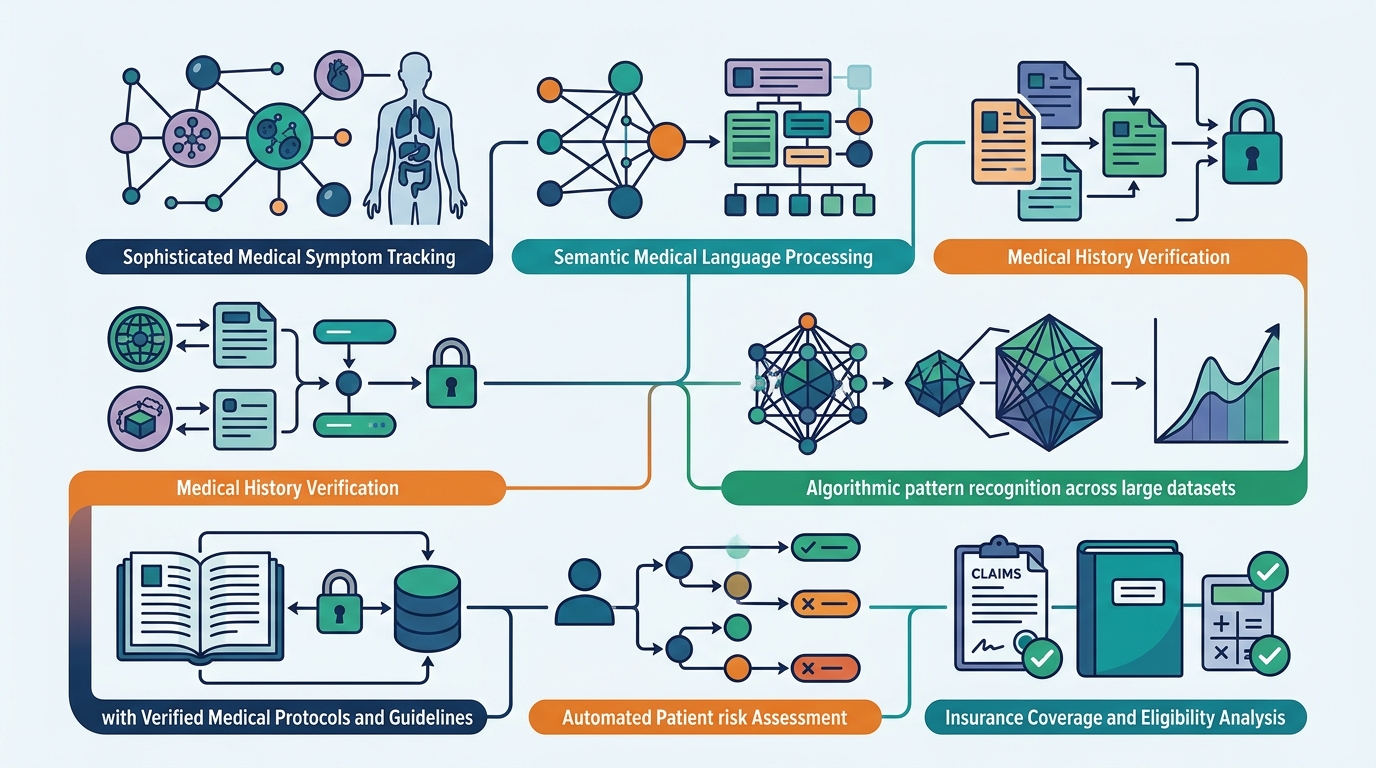
Multi-model orchestration applies the right AI model to each specific clinical task. This architecture allows an app to handle distinct functions, such as symptom analysis and record summarization, with specialized precision. By routing queries to the most appropriate model, the system maintains high accuracy across diverse medical scenarios. This approach ensures that the guidance provided is both technically robust and clinically relevant.
2. Patient-Authored Data Integration
Patient-authored data integration allows users to connect personal health records and claims history. This feature pulls in diagnoses, procedures, and medications from various providers and payers. By aggregating this fragmented information, the app creates a comprehensive view of the patient's health status. This holistic data set is essential for generating context-aware recommendations that reflect the individual's actual medical history.
3. Insurance-Aware Navigation
Insurance-aware navigation aligns clinical recommendations with the user's specific coverage plan. This feature checks network status, copays, and prior authorization requirements in real time. It helps users identify in-network providers and understand the financial implications of different care paths. By integrating benefits data, the app ensures that clinical advice is not only medically sound but also financially accessible.
4. Evidence-Based Content Libraries
Evidence-based content libraries provide guidance grounded in established clinical standards and research. These libraries contain curated educational materials that explain conditions, treatments, and preventive care. The AI references these trusted sources to ensure that the information presented is accurate and up to date. This foundation of clinical knowledge helps build user trust and supports informed decision making.
5. Safety Controls and Escalation Pathways
Safety controls and escalation pathways ensure the system knows when to hand off to a human professional. These mechanisms monitor the severity of symptoms and the complexity of the query. If the AI detects potential red flags or critical conditions, it triggers immediate referrals to emergency services or licensed clinicians. This layer of safety is critical for maintaining the integrity of the clinical decision support process.
6. Plain Language Summarization
Plain language summarization translates complex medical jargon into clear, understandable terms. This feature helps patients grasp the significance of their lab results, diagnoses, and treatment options. By removing technical barriers, the app empowers users to engage more effectively with their healthcare providers. Clear communication is a cornerstone of effective clinical decision making and patient advocacy.
7. Portable Health Summaries
Portable health summaries organize a patient's history and concerns into a shareable document. This feature allows users to create a concise overview of their medical status to bring to appointments. It helps providers quickly understand the patient's background and current concerns. This streamlined information exchange improves the efficiency and quality of the clinical encounter.
Choosing the Right AI Health App
When selecting an AI health app for clinical decision support, prioritize tools that integrate your personal data with robust safety controls. Look for platforms that offer insurance-aware navigation and evidence-based content. The best apps combine technical precision with user-friendly design to help you make informed health choices.
Frequently Asked Questions
Does AskMD diagnose medical conditions?
No, AskMD does not diagnose, treat, or prescribe. It is a navigation tool that helps you understand your health and prepare for provider visits. It is never the right response to a medical emergency.
How does AskMD use my insurance information?
AskMD uses your insurance details to show what is covered, identify in-network providers, and estimate costs. This helps you make financially informed decisions about your care.
Is AskMD free to use?
Yes, AskMD is free to use on the App Store, Google Play, and the web. You can create an account and start asking health questions without any cost.
Can I share my AskMD summary with my doctor?
Yes, AskMD allows you to create portable health summaries that you can share with your healthcare providers. This helps them understand your history and concerns more quickly.
What should I do if I have a medical emergency?
If you think you are having a medical emergency, call 911 or go to the nearest emergency room immediately. AskMD is not designed to manage emergencies.
Explore how AskMD for You can help you navigate your health with confidence. Sharecare is committed to providing tools that empower you to take control of your well-being.